
How FixHelp works
The right answer starts with the right car.
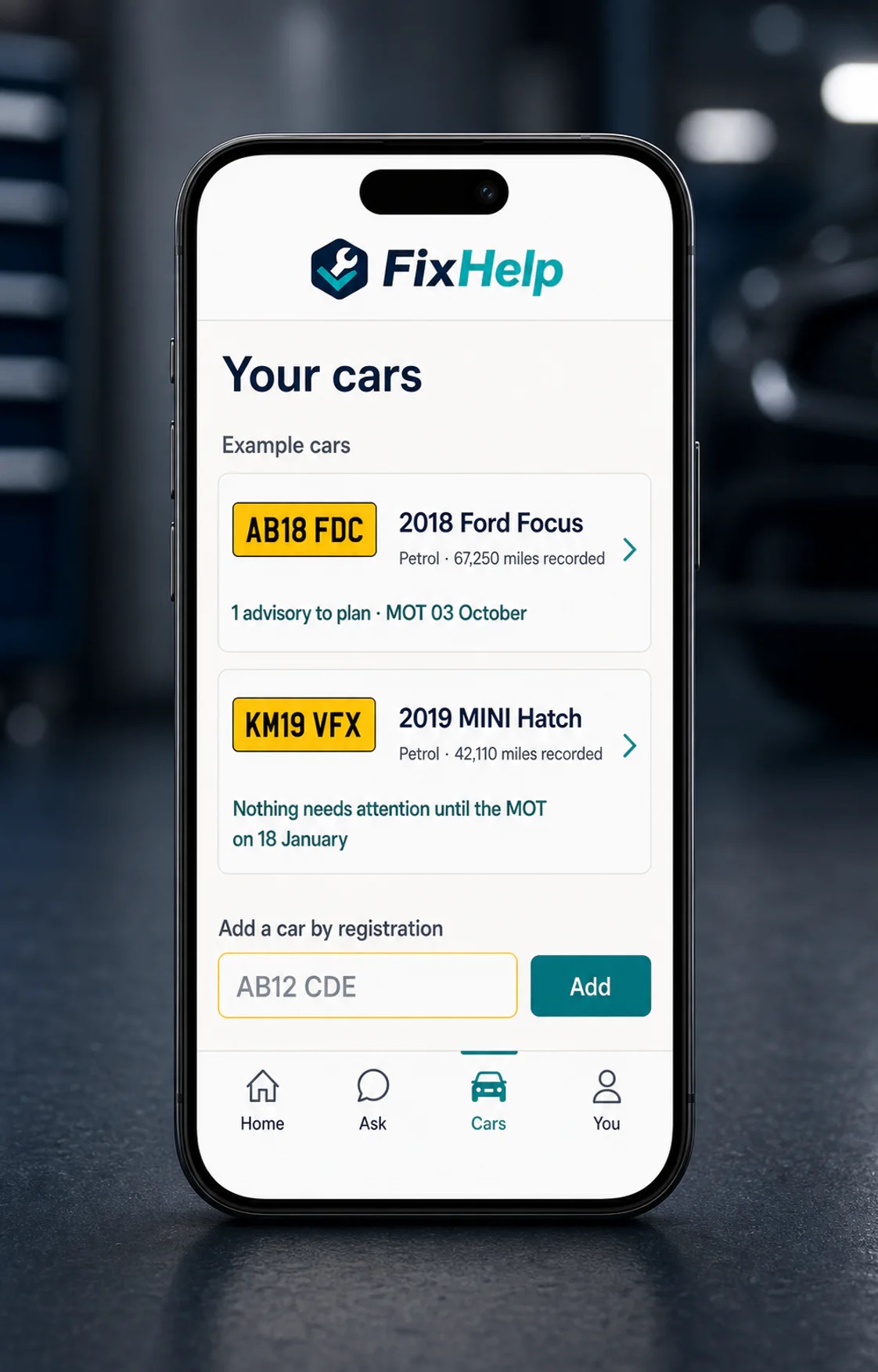
Look up a registration without an account, ask with its available MOT record in view, then save the car only if you want to.

Inside FixHelp
From plate to useful answer.
- AB12 CDE
Look up the registration
Open the available vehicle, tax and MOT record without creating an account.
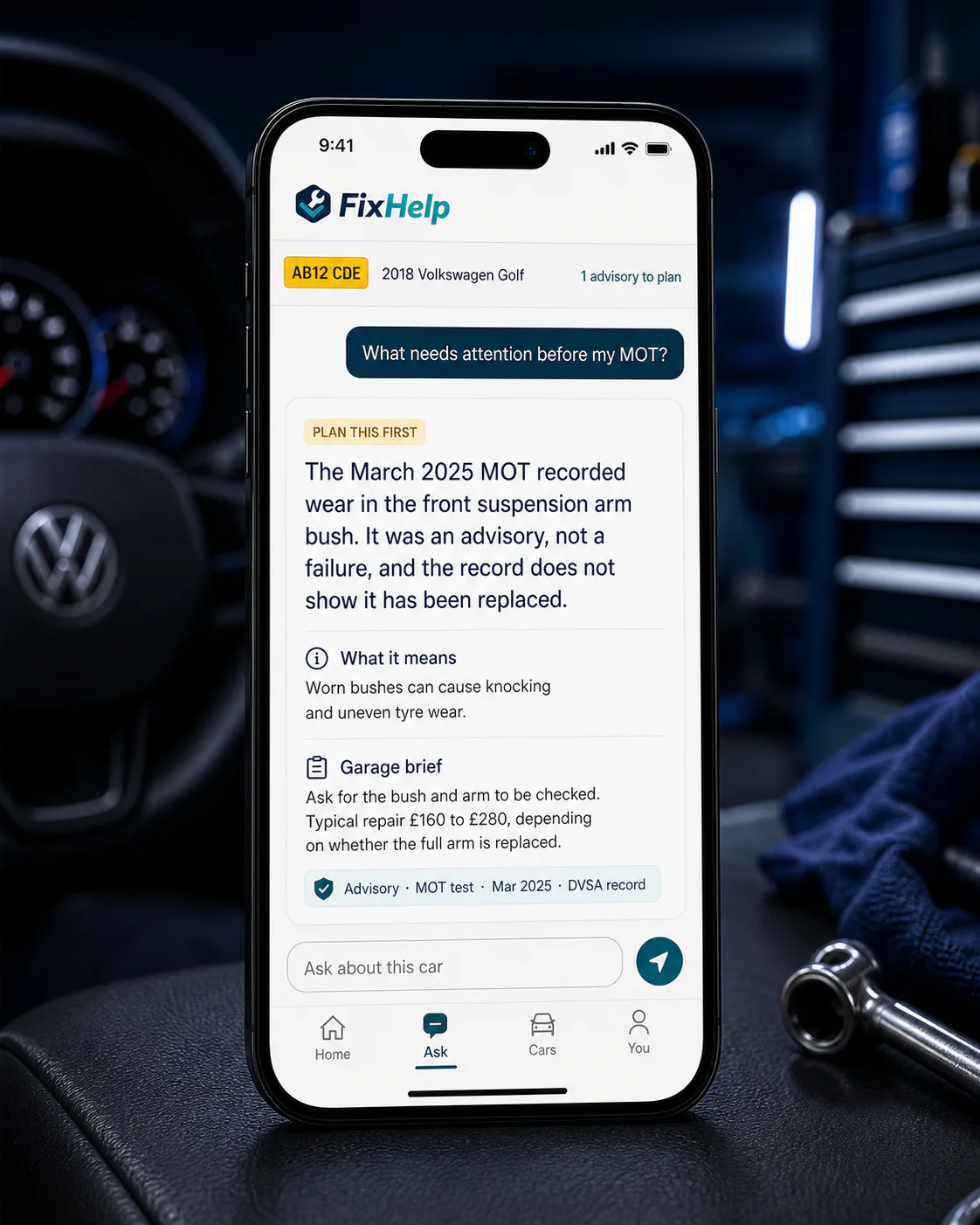
Ask your first question
Get the meaning, timing, rough garage cost and the next useful step.
Save it when you are ready
Sign in if you want to keep the car, add a photo or use the signed-in tools.

Shaped in the workshop
Built by a mechanic. Written for drivers.
FixHelp is built by a working mechanic, and it shows in the answers: plain UK MOT language, real-world priorities and clear timing on when to act, without the forum trawl.
Install FixHelp from this website. Add it to your home screen and it opens like an app. Dedicated Android and iOS apps available soon.
Your car, in view
Put the right car at the centre.
Start with a free registration lookup. No account is needed.
Want to see it on a real car first?Check a registration free, no account needed.